How to Prepare Artwork & Vector Files for Custom T-Shirt Printing (300 DPI & Transparency Guide)
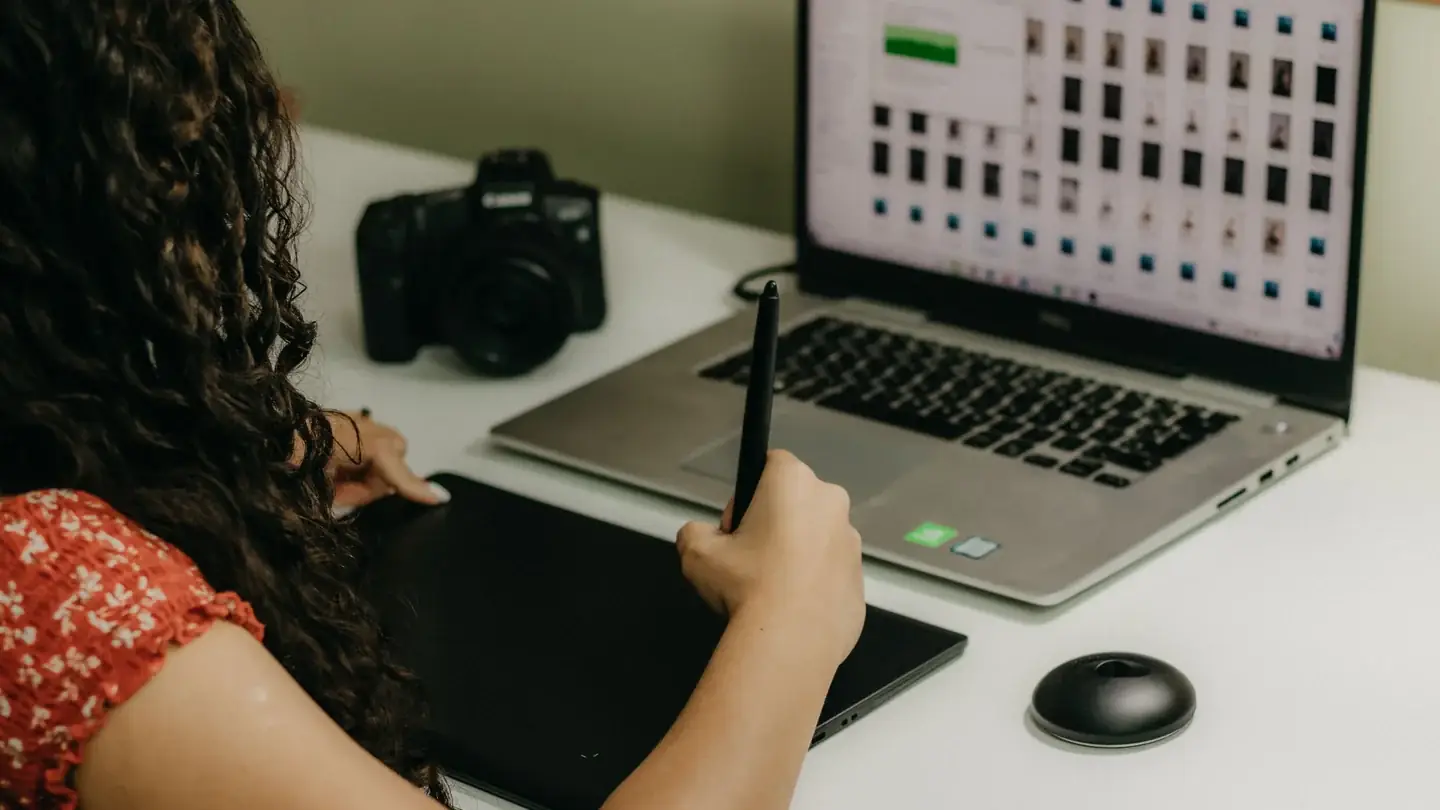
Submitting crisp, high-resolution artwork is the single most effective way to ensure your custom printed apparel turns out sharp, vibrant, and professional.
Low-resolution web graphics (like 72 DPI screenshots or transparent GIFs) often result in pixelated edges, muddy colors, and visible blur when scaled onto a chest or back print zone.
Here is our studio guide to preparing print-ready design files for Custom Print Works.
1. Resolution & DPI Requirements
Studio Tip: Saving a 72 DPI website image as a 300 DPI file in Photoshop will not add missing details. Always start with vector artwork or high-resolution original source files!
2. Transparent Backgrounds
When submitting artwork for dark or colored garments, ensure your file background is transparent, not solid white or checkerboard.
3. Vector vs. Raster Artwork
| Artwork Type | Description | File Extensions | Recommended Use |
|---|---|---|---|
| Vector Artwork | Mathematical lines & curves; infinitely scalable without quality loss. | .svg, .ai, .eps, .pdf | Logos, typography, crisp brand graphics. |
| Raster Artwork | Pixel-based grid image; fixed resolution. | .png, .tiff, .psd | Photographic designs, digital paintings, detailed shading. |
4. Font & Typography Conversion
If submitting vector PDF or AI files, always convert all text fonts to outlines or curves (Shortcut: Ctrl + Shift + O or Cmd + Shift + O in Illustrator). This prevents font substitution errors if our studio system lacks your specific custom typeface.
5. Color Spaces: RGB vs. CMYK
Let Our Studio Pre-Flight Your Artwork
Don't worry if you aren't a graphic designer! When you submit an order request on Custom Print Works, our studio team pre-flights your artwork within 24 hours to verify print resolution, alignment, and transparent zones before sending your payment link.
Custom Printed Sports Top
Customise this item online with interactive print zone previews and no minimum order quantities.
Have a custom apparel question?
Our studio pre-flights every order request within 24 hours.